Custom roles
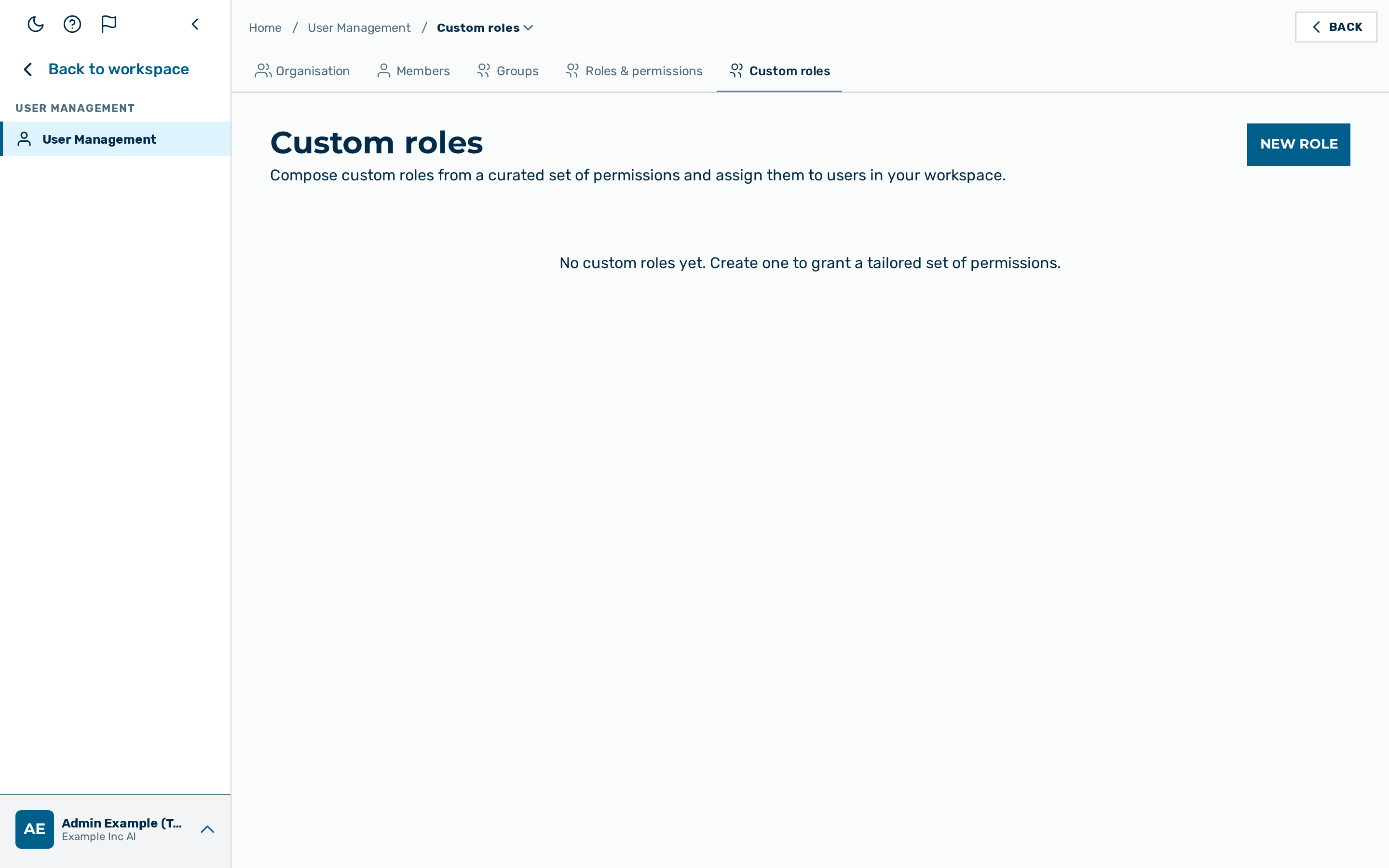 The Custom roles tab of User Management, with the New role action.
Description
A role is a named set of permissions. Alongside Myra's built-in system roles, a tenant can define its own custom roles to match how the organisation actually delegates responsibility — for example a role that may manage agents and prompts but not billing.
The Custom roles view is the Custom roles tab of User Management, reached from the
user-block menu at the bottom of the left sidebar → User Management (route /custom-roles).
It is visible to users who hold the Role-management permission (ROLE_MANAGE — held by
admin and tenant_admin, and by any custom role you grant it to). Custom roles are
tenant-scoped: a tenant admin manages their own tenant's custom roles and can assign them to
their own users, but never reaches across tenants.
The list shows the tenant's custom roles, each with its permission count and how many of your tenant's users currently hold it. A tenant with no custom roles yet sees an empty-state hint inviting the first one.
The permission catalog
Permissions are grouped by module (chat, agents, workflows, projects, prompts, guardrails, governance, users, roles, finance, and so on). A custom role is built by selecting the individual permissions it should carry from this catalog.
Creating a custom role
Before you begin, ensure the following condition is met:
- ☑ You hold the Role-management permission (
adminortenant_admin, or a custom role that includes it).
Proceed as follows to create a custom role:
- Open the Custom roles tab of User Management.
- Click on New role (a platform admin first selects the tenant).
- Enter a Name and an optional Description.
- Select the permissions the role should carry from the catalog.
- Save the role.
-> The role appears in the list and can be assigned to users.
💡 Subset gate. You can only grant a permission you hold yourself. Selecting a permission outside your own set is rejected — so you can never create a role more powerful than you are.
Editing and assigning
- Rename / re-describe or recompose the permissions of a custom role at any time; changes take effect for everyone who holds it — open sessions included, on their next request. Recomposition is subset-gated the same way as creation.
- Assign a role to a user from the Members view.
- Deleting a custom role removes it; users who held it fall back to their remaining roles immediately. A role that nobody holds deletes after a one-click confirmation; a role that users hold asks you to type its name and tells you how many active users lose it. The delete is refused (with the number of affected users) while any holder is a user you cannot manage yourself — for example a platform administrator of your workspace — because deleting the role would change their permissions; ask an administrator who can manage them. Deactivated accounts count too: they get the role back when restored.
- Editing a held role — a rename saves first, then the permission change. If the permission change is refused (for instance it names a permission you do not hold), the dialog stays open with the reason and the new name is already saved.
See also
- Roles & permissions — the read-only system-role reference.
- Members — assigning roles to users.
- Groups — granting scoped access at the group level.
- Roles API — the endpoints, the full permission catalog, and the delegation/subset/rank fences.