Tool reviews
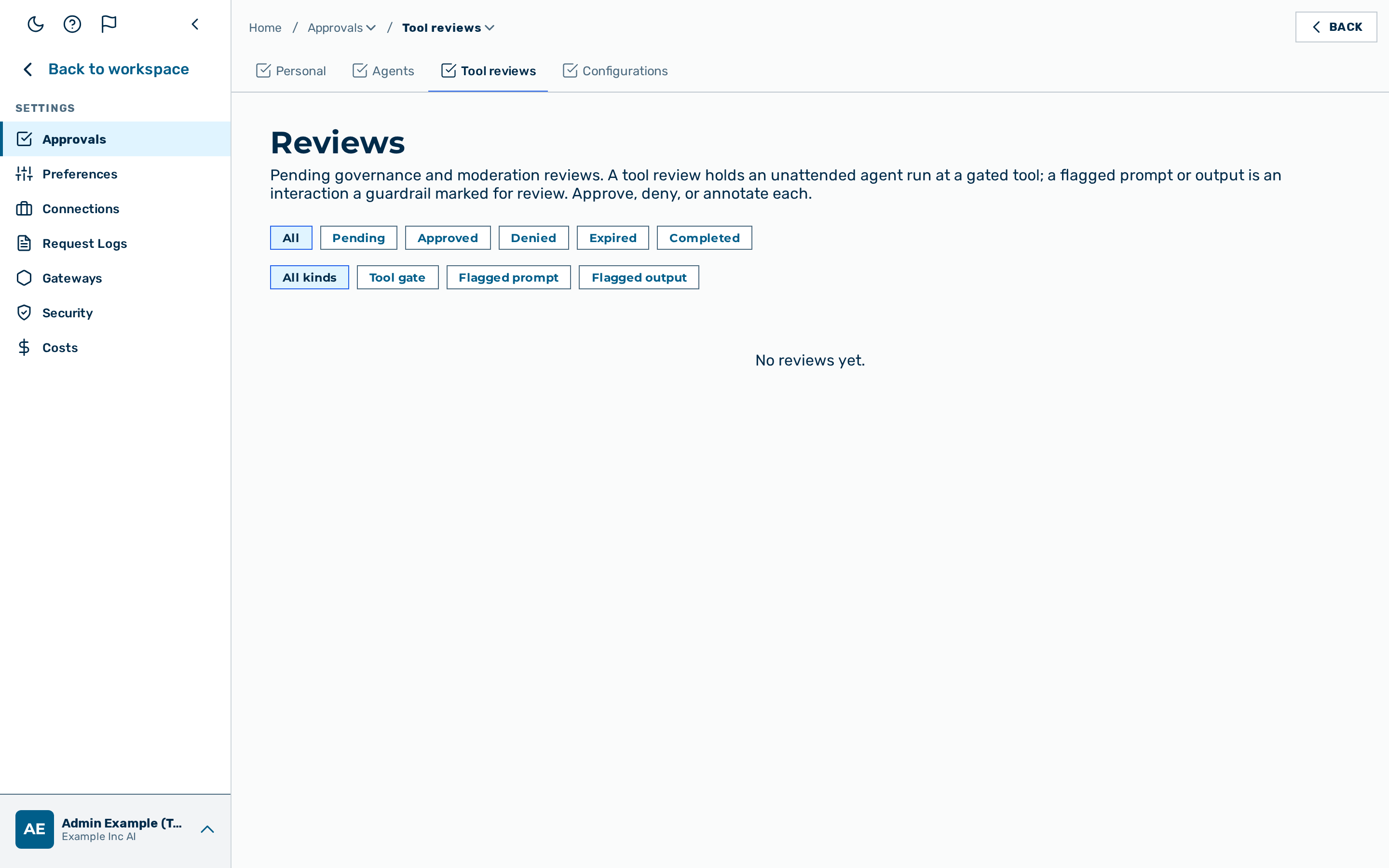 The Tool reviews inbox, with the status and kind filters.
Description
The Tool reviews page is the governance and moderation inbox. It is the Tool reviews
tab of Settings › Approvals (route /review-items), reached from the user-block menu at the
bottom of the left sidebar → Settings → Approvals. It is visible to users who hold the
egress-approval permission (admin / tenant admin). (See the Approvals overview
for the full tab set.)
It collects two kinds of item, both decided in the same queue:
| Kind | What it is |
|---|---|
| Tool gate | An unattended agent run reached a gated built-in tool and is held until a reviewer decides. The whole tool batch for that turn is suspended; nothing is called until the review is resolved. |
| Flagged prompt / Flagged output | A user prompt or a model output that a guardrail marked as flagged (observe action). The interaction is queued here for a human to look at; it does not block the conversation. |
💡 Note: A tool gate is configured on the agent (
approvalin the agent's tool configuration). A flagged prompt/output is produced automatically when a guardrail with the flag action matches a top-level turn — see Guardrails.
Reviewing an item
Each row shows the kind, a subject (the gated tool name, or a reference to the flagged interaction), the status, and a trace reference you can correlate in Request logs. Filter the queue by status and by kind.
A row has one of the statuses below:
| Status | Meaning |
|---|---|
| Pending | Waiting for a decision. |
| Approved | A reviewer approved it. A held tool call is released and the run resumes. |
| Denied | A reviewer denied it. A held tool call is never made. |
| Expired | The hold passed its deadline before a decision. A held tool call is never made (fail-closed). |
| Completed | The decision has been carried out. |
Proceed as follows to decide a review:
- Open the Tool reviews tab.
- Click on a Pending row.
- The decision dialog opens, showing the subject and, optionally, an Annotation field.
- Enter an annotation for the record if required.
- Click on Approve or Deny.
-> The row moves to the decided status. A held agent run resumes on Approve and is abandoned on Deny or Expired.
See also
- Agent approvals — delivery approvals for scheduled agent runs.
- Agents — configuring an agent's gated tools.
- Guardrails — the flag action that queues a moderation review.