Multi-tenancy
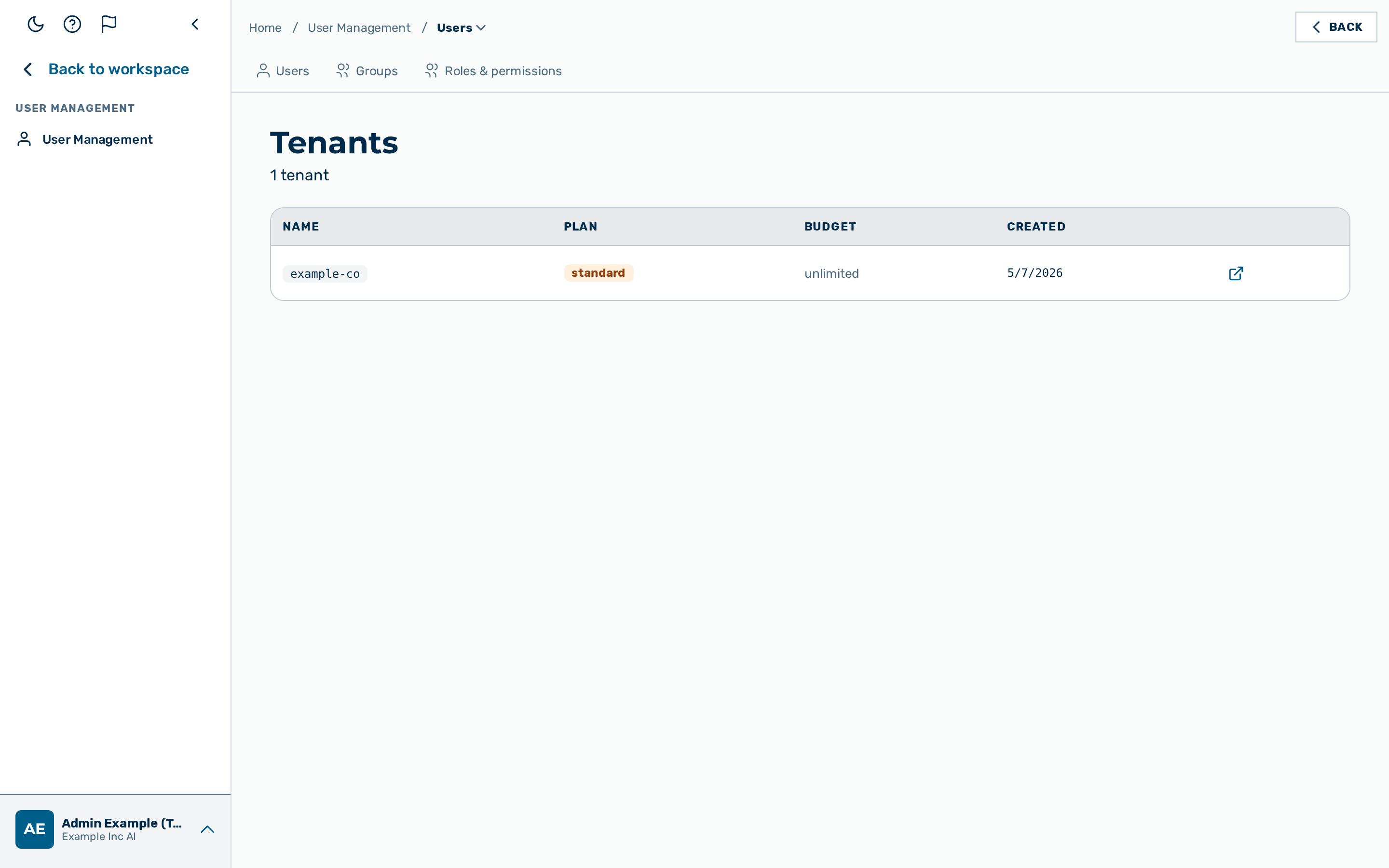
Myra AI Workspace organises everything into two levels: tenants and gateways.
A tenant is the top-level account — typically one company, application, or team. A gateway is a named deployment inside a tenant, such as production or staging. Each gateway has its own API keys, auth tokens, rate limits, and routing rules, completely isolated from every other gateway.
Most organisations start with one tenant and one or two gateways (e.g. production and development). Additional tenants are appropriate when you need to provide the gateway service to separate customers or business units with billing isolation between them.
Myra AI Workspace serves many tenants and gateways from a single process, with hard isolation boundaries between them.
Object hierarchy
graph TD
    T["Tenant<br/>budget · plan"]
    T --> G["Gateway<br/>config · provider keys<br/>auth tokens · routing rules"]
    T --> U["User<br/>role: admin · tenant_admin · ki_manager<br/>member · finance · viewer"]
A Tenant is the top-level grouping for users and gateways. Each tenant can have multiple Gateways — each gateway is an independent policy domain with its own config, keys, tokens, and rules.
Users belong to a tenant. The role of a user determines what the user can do within that tenant.
Whole product areas are per-tenant feature toggles: Agents, Workflows, Scheduled Tasks, and Billing settings are each enabled or disabled in tenant config, and the app hides a disabled area for that tenant's users. See Feature availability and the Tenants & gateways API.
URL routing
Every inference request encodes the tenant and gateway in the URL path:
POST /v1/{tenant_slug}/{gateway_slug}/{provider}/chat/completions
POST /v1/{tenant_slug}/{gateway_slug}/compat/chat/completions
The gateway resolves {tenant_slug} and {gateway_slug} on every request and loads the corresponding gateway config. Configuration changes take effect within seconds.
Isolation mechanisms
| Boundary | Mechanism |
|---|---|
| URL routing | {tenant_slug}/{gateway_slug} prefix resolved on every request; unknown slugs return 404 tenant_not_found |
| Internal state isolation | All internal state is namespaced per tenant and gateway — no cross-tenant data leakage is possible |
| Storage | All data is strictly scoped to the owning tenant at the storage layer; cross-tenant access is not possible |
| BYOK keys | Encrypted at rest; decrypted only for the matching gateway at request time |
| Auth tokens | Scoped to a single gateway; a token issued for gateway A is rejected on gateway B |
| Rate limits and budgets | Tracked per gateway, not shared across tenants or gateways |
User roles
| Role | Can send inference? | Administration |
|---|---|---|
admin |
Yes | Platform-wide: every tenant, gateway, user, token, routing rule, and provider key. |
tenant_admin |
Yes | Their own tenant: users, gateways, tenant settings, and the finance console. |
ki_manager |
Yes | Their own tenant: groups and workflows, plus group-scoped cost analytics. No user, tenant, or gateway administration. |
member |
Yes | None beyond their own account: chat, inference, and personal authentication tokens. |
finance |
Yes | Their own tenant: the finance and cost console only. No user, tenant, or gateway administration. |
viewer |
No — returns 403 forbidden |
Read-only within their tenant. |
demouser |
Demo entry point only (per-prompt cap) — entry point disabled, AGF-2997 | None. |
Role is enforced at the authentication step: a viewer token — and any token whose user has an unknown or disabled role — is rejected with 403 forbidden before the request body is read.
Role controls administration capability and whether inference is permitted; it never widens which gateway a token reaches. Every authentication token — an administrator's included — is scoped to a single gateway (see Isolation mechanisms above): a token issued for gateway A is rejected on gateway B. To call a second gateway, create a token on that gateway.
Deleting a user immediately disables all authentication tokens of that user.
Auth tokens
Tokens are scoped to a single gateway and carry optional per-token overrides:
| Field | Description |
|---|---|
label |
Human-readable name, e.g. "ci-pipeline" |
expiration |
Unix timestamp (seconds since epoch); requests after this date return 401 |
rate_limit |
{"requests": N, "window_sec": S} — overrides gateway-level rate limit |
budget_usd |
Per-token spending cap; enforced independently of — and in addition to — the gateway budget (a request is refused when either is exhausted) |
user_id |
Optional binding to a user; recorded in request logs |
Token values are stored as a one-way hash. The plaintext token is shown only once at creation time — it cannot be recovered.
⚠️ Caution: Store the token value immediately after creation. The plaintext token is displayed only once and cannot be retrieved again.
See also
- Tenants — how to create and manage tenants
- Authentication — token acceptance order, role enforcement
- BYOK Key Vault — per-gateway provider key encryption
- Request pipeline — where tenant resolution happens in the chain
- Admin REST API — Tenants and gateways