Agent approvals
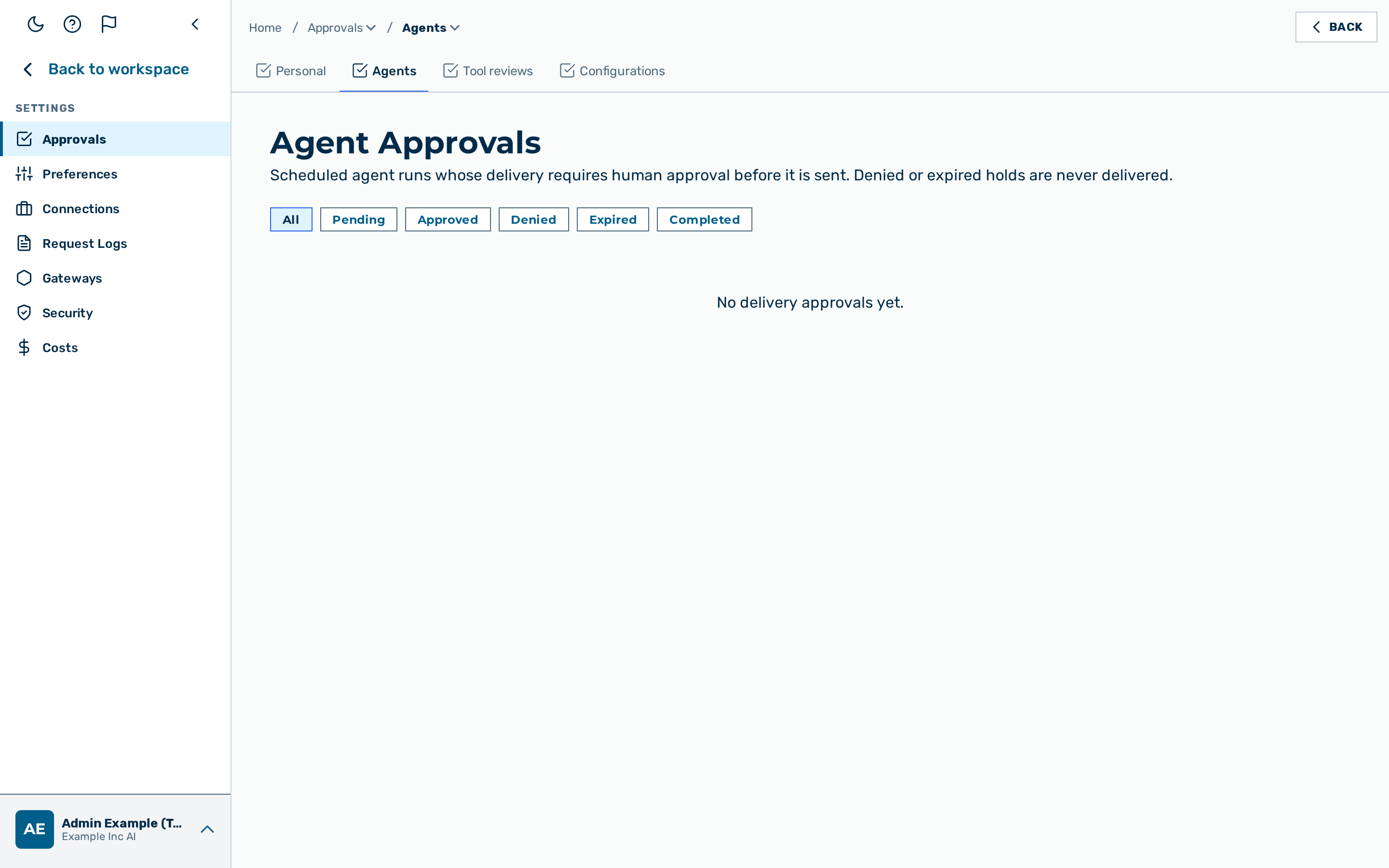 The Agent Approvals page.
Description
The Agent Approvals page is the administrator inbox for scheduled agent runs whose delivery requires human approval before it is sent. When an agent run is configured to deliver its result to an external destination, the delivery is held here until an administrator approves or denies it. A denied or expired hold is never delivered.
The page is the Agents tab of Settings › Approvals, reached from the user-block menu at the bottom of the left sidebar → Settings → Approvals (route /agent-approvals unchanged). It is
restricted to users with the role admin or tenant admin. (See the
Approvals overview for the full tab set.)
💡 Note: This inbox is for scheduled agent deliveries. Workflow Human-Approval steps are handled on the Personal tab of the Approvals page, which is available to every signed-in user. An unattended agent run held at a gated tool call — and any guardrail-flagged prompt or output — is handled on the Tool reviews tab, which is likewise egress-approval-gated.
Each row shows when the delivery was Requested, the Agent that produced it, a summary of the Action, the Status, the Delivery state, and when the hold Expires. A row has one of five statuses:
| Status | Meaning |
|---|---|
| Pending | The delivery is waiting for a decision. |
| Approved | An administrator approved the delivery. |
| Denied | An administrator denied the delivery. It is never sent. |
| Expired | The hold passed its deadline before a decision. It is never sent. |
| Completed | The decision has been carried out. |
Use the status filter above the table to narrow the list; All shows every hold. When there are no holds, the page shows No delivery approvals yet.
For the underlying API, see the Agents API reference.
Approving a delivery
Approving a hold lets the agent run deliver its result.
Proceed as follows to approve a delivery:
- Find the pending hold in the list.
- Click on the Approve button in the hold's row.
-> The delivery is sent and the hold leaves the pending list.
Denying a delivery
Denying a hold stops the delivery. The result is never sent.
Proceed as follows to deny a delivery:
- Find the pending hold in the list.
- Click on the Deny button in the hold's row.
-> The delivery is cancelled and the hold is recorded as denied.