Code detection guardrail
The code detection guardrail is a Tier 1 (in-process) guardrail that detects source code in request and response content. It is suited for preventing SQL injection attempts in prompts, monitoring when a model returns code unexpectedly, or enforcing policies that prohibit code exchange through an AI endpoint.
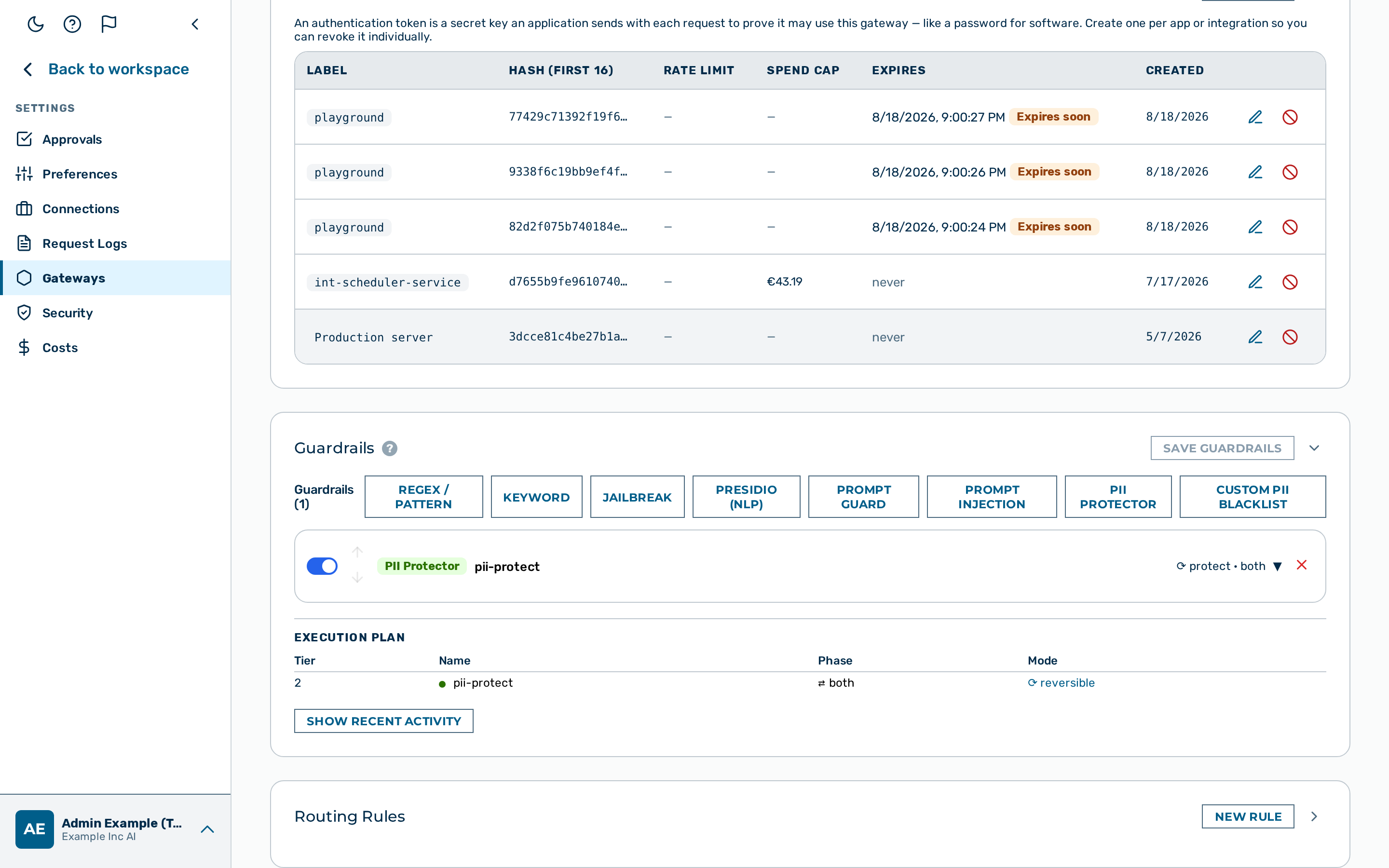 Code detection guardrail editor
When to use the code detection guardrail
Use the code detection guardrail when you need to detect or block the presence of actual source code — not just discussion of programming topics. Tune min_signals to balance sensitivity against false positives on educational or explanatory content.
How it works
Detection uses two independent layers. Each layer that produces a positive result counts as one signal.
- Markdown code fences — a fenced code block whose info-string names a known language (
```sql,```python, etc.) counts as a signal. A bare```fence, or one with an unrecognised language, does not count. A single opening fence is sufficient; it need not be closed. - Structural heuristics — language-specific patterns are checked against the plain text. Each language uses a set of syntactic signals appropriate to that language.
min_signals setting
Setting min_signals: 2 requires two signals before the guardrail triggers. Each matching known-language fence and each matching language heuristic contributes one signal, so two signals can be a fence plus a heuristic, two heuristics, or two fences (a single message can produce more than two). This reduces false positives in conversations that discuss programming topics without containing executable code — for example, a user asking "how does a SELECT statement work?" matches one heuristic but has no code fence, so it stays under min_signals: 2.
💡 Note:
min_signals: 1(default) is suitable when the traffic is not expected to contain any code discussion. Maximum sensitivity.min_signals: 2is suitable for general-purpose assistants where programming topics arise in natural prose. This reduces false positives on educational or explanatory content.
Configuration reference
| Field | Type | Default | Description |
|---|---|---|---|
type |
string | — | Must be "contains_code" |
name |
string | — | Human-readable label for this guardrail instance |
action |
string | "block" |
What to do on a detection: block or flag |
target |
string | "request" |
Which traffic to inspect: request, response, or both |
languages |
array | — | Restrict detection to these language names. When absent, all supported languages are active. |
min_signals |
integer | 1 |
Minimum number of independent detection signals required before the guardrail triggers |
Supported languages
| Language | Fence aliases | Structural heuristics |
|---|---|---|
sql |
sql, mysql, postgresql, sqlite, psql |
SELECT … FROM, INSERT INTO, UPDATE … SET, DELETE FROM, CREATE TABLE, DROP TABLE, ALTER TABLE |
python |
python, py, python3 |
def …():, import …, from … import …, class …:, if __name__ == "__main__":, @decorator |
javascript |
javascript, js, typescript, ts, jsx, tsx, node |
const … =, let … =, function …(), => arrow functions, require(…), import … from "…", module.exports = |
bash |
bash, sh, shell, zsh, fish |
Shebangs (#!/bin/bash, #!/bin/sh, #!/usr/bin/env bash), $( … ) command substitution, if [[, for … in, echo "…" |
html |
html, htm, xml, svg |
Opening tags only — <!DOCTYPE html, <html, <head, <body, <div, and <tag class="…">. Closing tags such as </p> are not signals. |
lua |
lua |
local function …, local … = require, function table.method(, ngx.log( |
Example configurations
Block SQL in requests
Prevents SQL code from being submitted through the gateway. Use this to reduce the risk of SQL injection attempts being forwarded to a model that executes tool calls against a database.
{
  "type": "contains_code",
  "name": "block-sql-requests",
  "action": "block",
  "target": "request",
  "languages": ["sql"]
}
Flag code in responses (monitoring mode)
Records a log entry whenever the model returns code-containing content, without blocking or modifying the response. Useful for auditing gateways where code generation is not an intended use case.
{
  "type": "contains_code",
  "name": "monitor-code-responses",
  "action": "flag",
  "target": "response"
}
Detections are recorded in detectors_fired on the log entry. The response is not modified.
Require two signals before blocking
Reduces false positives on discussions about programming topics where no actual code is present.
{
  "type": "contains_code",
  "name": "code-block-strict",
  "action": "block",
  "target": "request",
  "min_signals": 2
}
A message such as "explain how a for loop works in Python" matches structural heuristics (mentions of Python syntax) but does not contain a code fence, so it passes. A code fence contributes one signal, and once a fence for a language is seen that language's structural heuristic is skipped. So a message containing a single ```python … ``` block produces one signal: with min_signals set to 2 it passes unless a second, distinct signal is present. With the default min_signals of 1, that single fence signal already blocks.
Configuring the code detection guardrail
The code detection guardrail has no card in the visual Guardrail Builder. The builder exposes only the PII protector, Presidio, Prompt Guard, regex, keyword, custom PII, and jailbreak detector types — contains_code is configured through the gateway configuration API only, by adding a detector object to the gateway's guardrails array.
Proceed as follows:
- Build the detector as a JSON object — see Example configurations above.
- Add the object to the
guardrailsarray in the gatewayconfigand send it with aPATCH /admin/v1/gateways/{id}request:
curl -X PATCH https://<your-gateway-host>/admin/v1/gateways/{id} \
  -H "Content-Type: application/json" \
  -d '{
    "config": {
      "guardrails": [
        {
          "type": "contains_code",
          "name": "block-sql-requests",
          "action": "block",
          "target": "request",
          "languages": ["sql"]
        }
      ]
    }
  }'
💡 Note: The
guardrailsarray is replaced in full on eachPATCH— include every detector the gateway should keep, not only the new one.
-> The code detection guardrail is saved and appears in the execution plan.
Pipeline position
The code detection guardrail is Tier 1 — it runs in-process with no external calls. It runs in both the request and response phases depending on the configured target. A block verdict from this guardrail stops the pipeline immediately. No subsequent guardrails run.