JSON Schema guardrail
The JSON Schema guardrail is a Tier 1 (in-process, no external call) guardrail that validates model responses against a declared JSON schema. It enforces structured output on classification endpoints, data extraction pipelines, and any use case where the model must return machine-readable JSON conforming to a known shape.
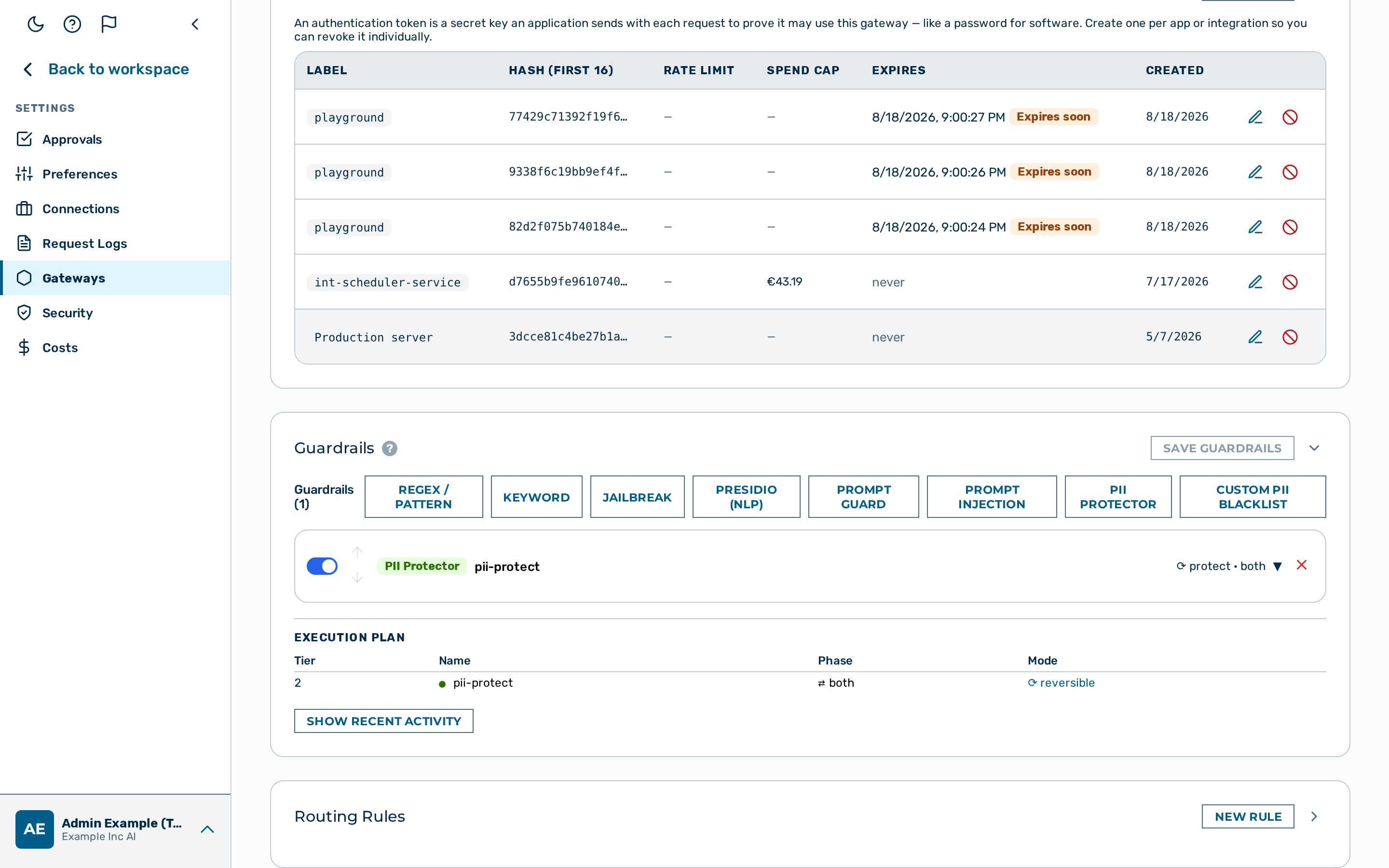 JSON Schema guardrail editor
When to use the JSON Schema guardrail
Use the JSON Schema guardrail when your application depends on receiving well-formed, schema-conformant JSON from the model. It runs entirely in-process and adds no latency overhead. Use action: flag during rollout to measure non-conforming output before switching to action: block.
How it works
The guardrail parses the model response body as JSON and validates it against the declared schema. Before parsing, the guardrail removes any surrounding markdown code fences (``` … ```). Models that habitually wrap JSON in ```json … ``` blocks are handled correctly without special configuration.
The guardrail inspects model responses only. It cannot be targeted at request or both.
Configuration reference
| Field | Type | Default | Description |
|---|---|---|---|
type |
string | — | Must be "json_schema" |
name |
string | — | Human-readable label for this guardrail instance |
action |
string | "block" |
What to do on a violation: block or flag |
target |
string | "request" |
Set this to "response" — this guardrail only inspects model responses. The orchestrator default is "request", in which phase the guardrail never runs, so "target": "response" must be set explicitly. |
schema |
object | — | JSON schema descriptor — see Schema properties below |
💡 Note:
"target": "response"must be set explicitly — the orchestrator defaults an absenttargetto"request", in which phase this guardrail never runs (a silent no-op). Targetingrequestorbothis not supported.
Schema properties
The schema object supports a required array and a properties map. Each entry in properties declares constraints.
| Constraint | Applies to | Description |
|---|---|---|
type |
all | Expected JSON type: string, number, boolean, array, object, or null |
min |
number | Minimum value (inclusive) |
max |
number | Maximum value (inclusive) |
min_length |
string | Minimum length in bytes (UTF-8), inclusive — a multibyte character (umlaut, ß, emoji) counts as more than one |
max_length |
string | Maximum length in bytes (UTF-8), inclusive |
enum |
any | Array of allowed values — the field value must be one of the listed items |
Block reason codes
When the guardrail triggers, the block_reason log field contains one of the following codes.
| Code | Meaning |
|---|---|
json_parse_error |
The response body is not valid JSON after stripping markdown code fences |
missing_field:<name> |
A field listed in required is absent from the response object |
type_mismatch:<name> |
The field is present but its JSON type does not match the declared type |
range_violation:<name> |
A numeric or string constraint (min, max, min_length, max_length, enum) is not satisfied |
unreadable_response |
The provider's response body is not a JSON object (undecodable, or an array). Only for a successful provider status — a provider error (4xx/5xx) is passed through as the answer it already is. |
unrecognized_response_shape |
The response is a JSON object but neither an OpenAI-style choices envelope nor an Anthropic-style content envelope, so no answer text can be located. |
empty_content |
A recognised envelope with no answer text and no tool call: an all-thinking Anthropic response, an empty content, a null / empty message.content on a normal stop. |
invalid_schema_config |
The detector's own schema is malformed: null, a scalar or an array; required not an array of strings; properties not an object, a property not an object, a property type not one of string / number / boolean / array / object / null ("integer" is not a type this validator produces — use number), a min / max / min_length / max_length not a finite number, or min > max / min_length > max_length, an enum not a non-empty array (a JSON null in any of those optional slots counts as absent). Each of these could never be satisfied and would otherwise refuse every response carrying the field without saying why. Every response is refused — or, with action: "flag", flagged and delivered — until the configuration is corrected; the same write is rejected with 400 by POST / PATCH /gateways and by the guardrail-config import. |
What is validated. The answer text is gathered from every text part of the response — for an Anthropic-style response every type: "text" block (every non-text block — thinking, redacted_thinking, tool_use — is skipped wherever it sits, so extended thinking cannot hide the answer from the schema), for an OpenAI-style response message.content as a string or as text parts — then code fences are stripped and the text is parsed. Multiple text parts are concatenated as-is. A response whose answer is a tool call and carries no text (finish_reason: "tool_calls" / stop_reason: "tool_use") passes: the schema applies to a final text answer and a client-side tool loop's final response is legitimately this shape. Previously every unrecognised shape — including the thinking case — silently passed.
Example configurations
Enforce structured output for a classification endpoint
Requires the response to be a JSON object containing result (a string) and label (one of three allowed values). Any response that fails to parse, omits a required field, or uses an unexpected label is blocked.
{
  "type": "json_schema",
  "name": "classification-schema",
  "action": "block",
  "target": "response",
  "schema": {
    "required": ["result", "label"],
    "properties": {
      "result": { "type": "string" },
      "label": { "enum": ["positive", "negative", "neutral"] }
    }
  }
}
Flag schema violations without blocking (monitoring mode)
Use action: "flag" during a rollout to measure how often the model produces non-conforming output before committing to blocking behaviour.
{
  "type": "json_schema",
  "name": "classification-schema-monitor",
  "action": "flag",
  "target": "response",
  "schema": {
    "required": ["result", "label"],
    "properties": {
      "result": { "type": "string" },
      "label": { "enum": ["positive", "negative", "neutral"] }
    }
  }
}
Violations are recorded in detectors_fired and block_reason on the log entry. The response is not modified and the caller receives it unchanged.
Configuring the JSON Schema guardrail
The JSON Schema guardrail has no card in the visual Guardrail Builder. The builder exposes only the PII protector, Presidio, Prompt Guard, regex, keyword, custom PII, and jailbreak detector types — json_schema is configured through the gateway configuration API only, by adding a detector object to the gateway's guardrails array.
Proceed as follows:
- Build the detector as a JSON object — see Example configurations above.
- Add the object to the
guardrailsarray in the gatewayconfigand send it with aPATCH /admin/v1/gateways/{id}request:
curl -X PATCH https://<your-gateway-host>/admin/v1/gateways/{id} \
  -H "Content-Type: application/json" \
  -d '{
    "config": {
      "guardrails": [
        {
          "type": "json_schema",
          "name": "classification-schema",
          "action": "block",
          "target": "response",
          "schema": {
            "required": ["result", "label"],
            "properties": {
              "result": { "type": "string" },
              "label": { "enum": ["positive", "negative", "neutral"] }
            }
          }
        }
      ]
    }
  }'
💡 Note: The
guardrailsarray is replaced in full on eachPATCH— include every detector the gateway should keep, not only the new one.
-> The JSON Schema guardrail is saved and appears in the execution plan.
Pipeline position
The JSON Schema guardrail is Tier 1 — it runs in-process with no external calls. It executes in the response phase only. A block verdict from this guardrail stops the pipeline immediately. No subsequent guardrails run.