Language guardrail
The language guardrail is a Tier 1 (in-process, sub-millisecond) guardrail that identifies the dominant writing system of request or response text and blocks or flags traffic that does not use a permitted script. It is suited for deployments that serve a known-language audience and need to prevent misuse through non-Latin scripts or detect unexpected language usage.
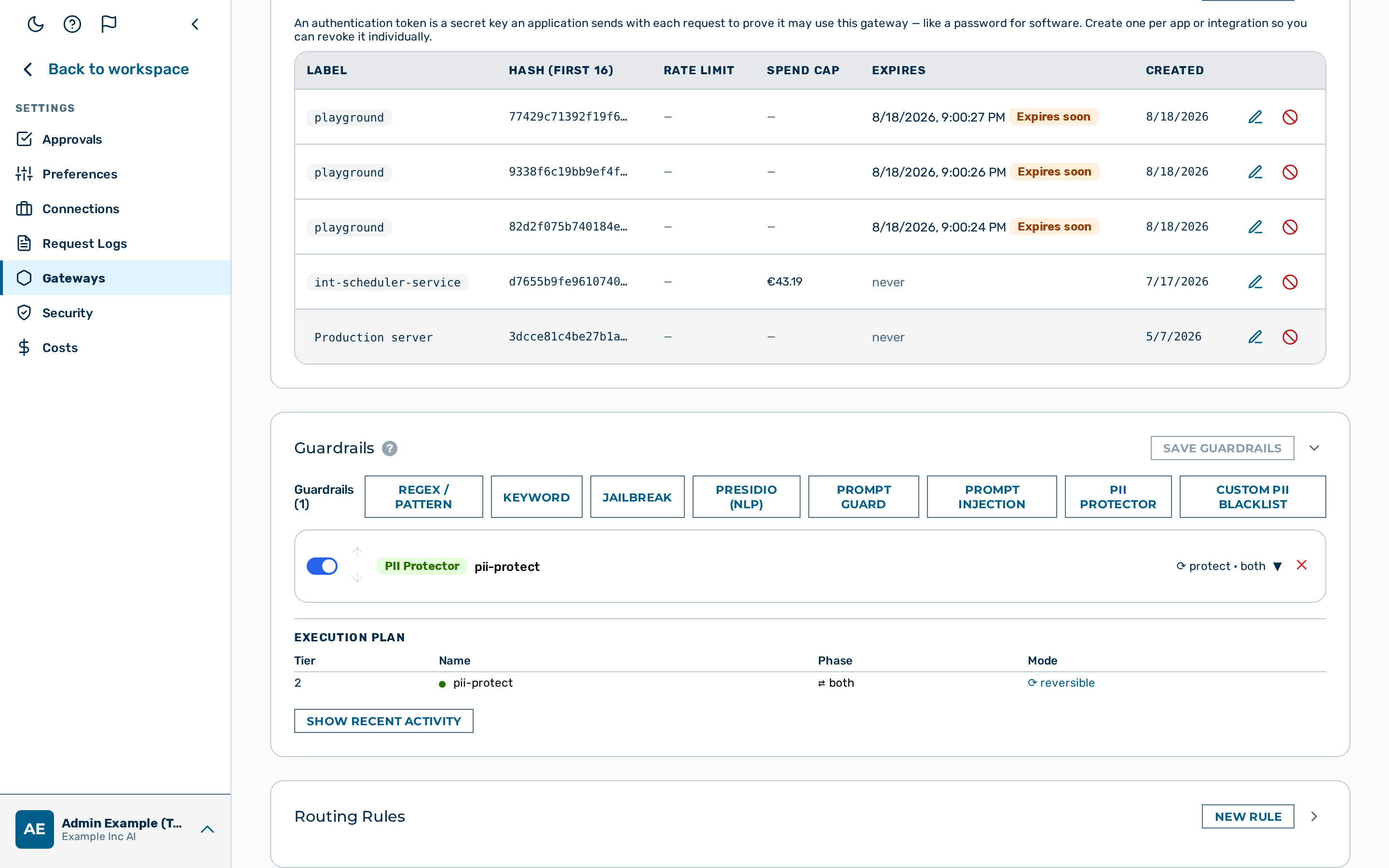 Language guardrail editor
When to use the language guardrail
Use the language guardrail when your deployment serves a specific-language audience and you need to block or log requests or responses in unexpected writing systems. Note that the guardrail detects writing systems, not languages — all Latin-script languages (English, French, German, Spanish, and others) map to the same latin code.
How it works
Detection uses UTF-8 byte-range heuristics — no dictionary lookups or external models are required. Each code point is classified into one of the supported writing systems. The detected script is the writing system with the highest character count, provided that count meets or exceeds min_ratio of the total text. When no non-Latin script meets the min_ratio threshold, the text is classified as latin.
Sub-Latin language discrimination
The language guardrail detects writing systems, not individual languages. All Latin-script languages map to the same latin code. It is not possible to permit English while blocking French using this guardrail. For sub-Latin language discrimination (e.g. allow only English), use a sidecar language-detect service and apply the result via a custom guardrail or routing rule.
Configuration reference
| Field | Type | Default | Description |
|---|---|---|---|
type |
string | — | Must be "language" |
name |
string | — | Human-readable label for this guardrail instance |
action |
string | "block" |
What to do on a disallowed script: block or flag |
target |
string | "request" |
Which traffic to inspect: request, response, or both |
allowed |
array | — | Language codes that are permitted. Traffic using any other detected script triggers the configured action. An empty or omitted allowed list makes the detector a no-op — every request passes. |
min_ratio |
number | 0.1 |
Minimum fraction of non-Latin characters needed for a non-Latin script to be declared dominant. Below this threshold, the text is classified as latin. |
Supported scripts
| Language code | Writing system | Unicode range |
|---|---|---|
latin |
Latin, ASCII, and all unclassified text | Default (non-matching characters) |
cjk |
Chinese, Japanese, Korean | U+4E00–U+9FFF |
cyrillic |
Russian, Bulgarian, Serbian, Ukrainian, and others | U+0400–U+04FF |
arabic |
Arabic, Farsi, Urdu | U+0600–U+06FF |
hebrew |
Hebrew | U+0590–U+05FF |
thai |
Thai | U+0E00–U+0E7F |
devanagari |
Hindi, Sanskrit, Marathi, Nepali, and others | U+0900–U+097F |
min_ratio setting
min_ratio prevents false positives on text that mixes scripts — for example, an English sentence that mentions a product name in Cyrillic or includes a few CJK characters. With the default min_ratio: 0.1, at least 10% of the text must be a given non-Latin script before it is declared dominant.
Lower min_ratio to increase sensitivity to mixed-script content. Raise it to require a more heavily non-Latin document before triggering.
Example configurations
Allow only Latin-script requests
Block any request that is predominantly written in a non-Latin writing system:
{
  "type": "language",
  "name": "latin-only",
  "action": "block",
  "target": "request",
  "allowed": ["latin"]
}
Allow Latin and CJK (for a bilingual deployment)
{
  "type": "language",
  "name": "latin-cjk",
  "action": "block",
  "target": "both",
  "allowed": ["latin", "cjk"]
}
Flag non-Latin requests for review without blocking
{
  "type": "language",
  "name": "non-latin-flag",
  "action": "flag",
  "target": "request",
  "allowed": ["latin"]
}
Increase sensitivity to mixed-script content
With min_ratio: 0.05, even a small fraction of Cyrillic characters triggers detection:
{
  "type": "language",
  "name": "strict-latin",
  "action": "block",
  "target": "request",
  "allowed": ["latin"],
  "min_ratio": 0.05
}
Configuring the language guardrail
The language guardrail has no card in the visual Guardrail Builder. The builder exposes only the PII protector, Presidio, Prompt Guard, regex, keyword, custom PII, and jailbreak detector types — language is configured through the gateway configuration API only, by adding a detector object to the gateway's guardrails array.
Proceed as follows:
- Build the detector as a JSON object — see Example configurations above.
- Add the object to the
guardrailsarray in the gatewayconfigand send it with aPATCH /admin/v1/gateways/{id}request:
curl -X PATCH https://<your-gateway-host>/admin/v1/gateways/{id} \
  -H "Content-Type: application/json" \
  -d '{
    "config": {
      "guardrails": [
        {
          "type": "language",
          "name": "latin-only",
          "action": "block",
          "target": "request",
          "allowed": ["latin"]
        }
      ]
    }
  }'
💡 Note: The
guardrailsarray is replaced in full on eachPATCH— include every detector the gateway should keep, not only the new one.
-> The language guardrail is saved and appears in the execution plan.
Pipeline position
The language guardrail is Tier 1 — it runs in-process with no external calls. It runs in both the request and response phases depending on the configured target. A block verdict stops the pipeline immediately.
See also
- Guardrail pipeline overview
- Gibberish detector — detect low-quality model responses
- Keyword guardrail — exact-string matching for specific terms