My feedback
Description
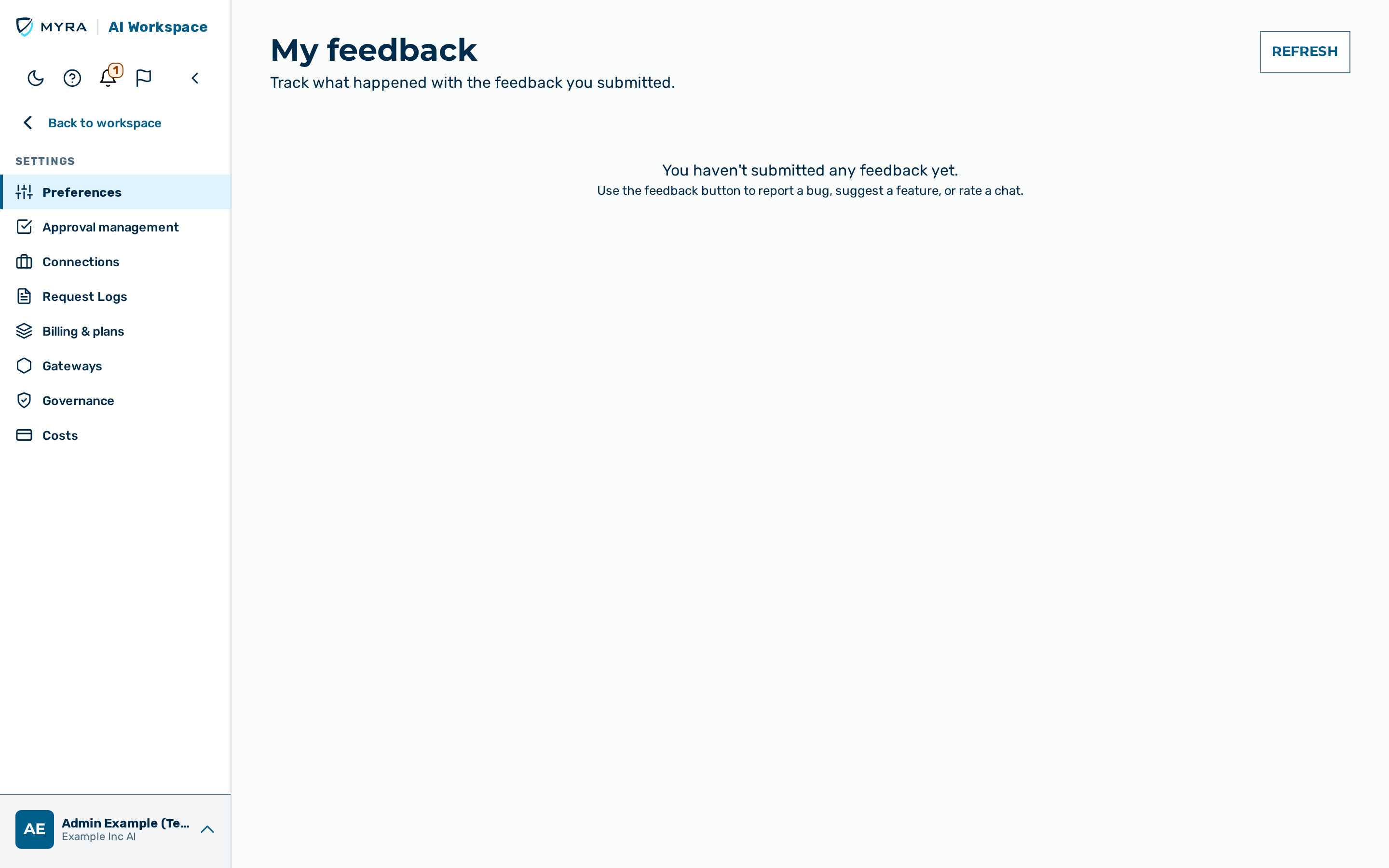
The My feedback view shows the signed-in user the feedback they submitted and what happened
with it. The view is the My feedback tab of the Preferences group under Settings, and it
is reachable via the direct URL /my-feedback. The view is available to every role.
The view lists two kinds of submission:
- Feedback sent with the in-app feedback widget (Send feedback).
- Ratings of a chat answer.
The list shows only your own submissions. The gateway takes your identity from your session; the view cannot show the feedback of another user. While an administrator uses View as user, the view shows the feedback of the user being viewed.
Each submission is one card. A card contains the following parts:
A submission has one of the following statuses:
| Status | Meaning |
|---|---|
| Received | The submission arrived. |
| In review | The submission was triaged. |
| Responded | A response was sent. |
| Escalated to a person | The submission was passed to a person. |
| Awaiting a person | The submission waits for a person to look at it. |
| Resolved | The submission is closed. A fix counts as resolved when it has shipped in a released version. |
While the browser tab is visible, the view reloads the list every 30 seconds, so a status change appears without a manual reload. The View status link in the feedback-widget acknowledgment opens this view and reloads it at once. The view shows the 100 most recent widget submissions and the 100 most recent chat ratings.
When you have not submitted anything, the view shows You haven't submitted any feedback yet. If the list cannot be loaded, the view shows Your feedback could not be loaded. with a Retry button.
For the administrator side of the feedback loop, including e-mailed responses and release notifications, see Feedback review.
Refreshing the list
Proceed as follows to refresh the list:
- Open Settings → Preferences → My feedback.
- Click on the Refresh button.
-> The list shows the current status of every submission.